
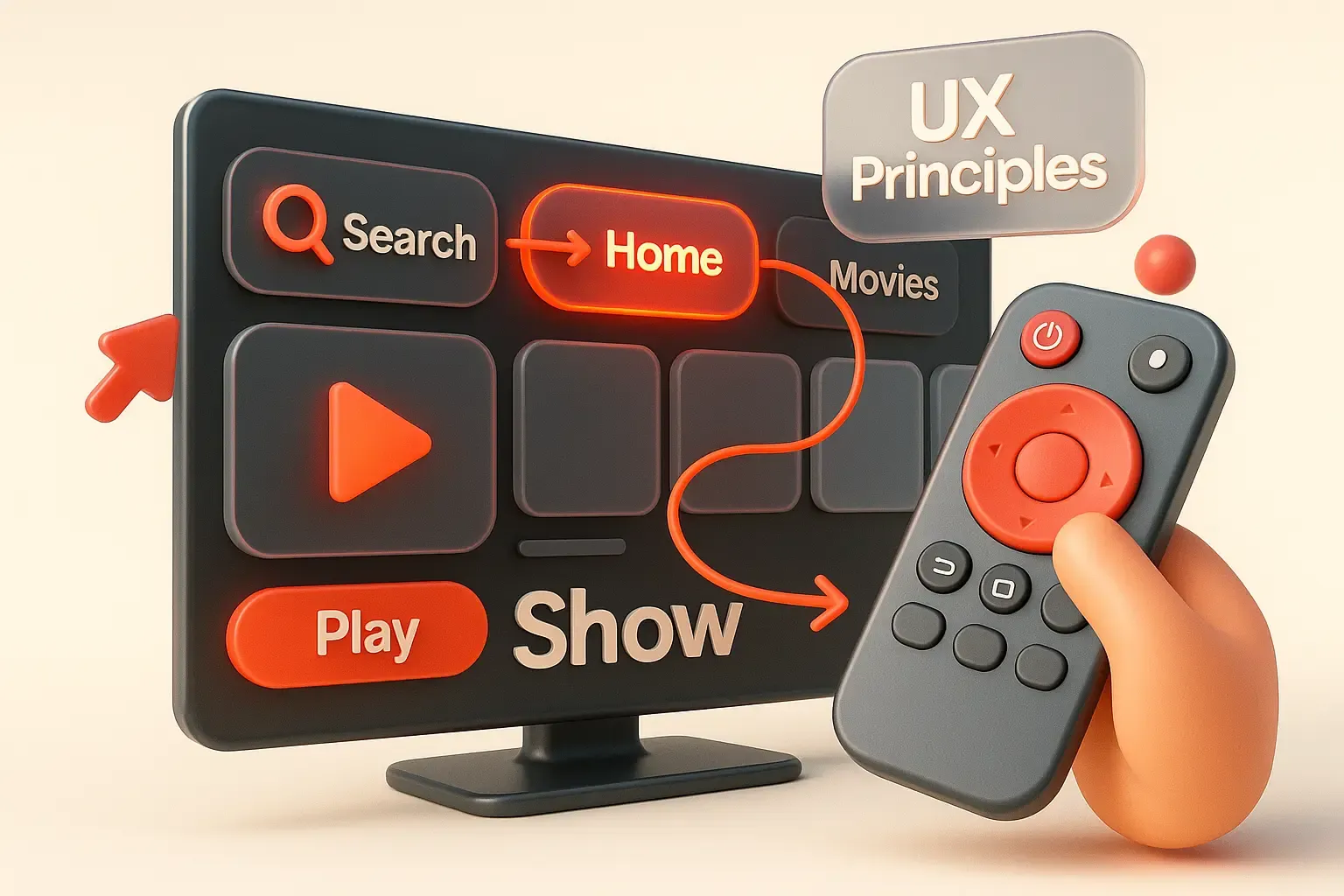

UX Design for Smart TV: 5 Principles That Increase Engagement
When a person opens an app on a Smart TV, they do not scroll the screen with their finger or click a mouse. They sit several meters away and navigate using arrow keys on the remote control. Therefore, the interface must be simple, clear, and predictable. If the user cannot quickly find the desired section, they leave.
The Main Idea of UX Design
1. Well-designed UX impacts key metrics:
- Increased conversion. The simpler the path to the desired action, such as subscribing or starting content, the higher the chances the user completes it.
- Reduced costs. An intuitive interface allows users to find payment options, logout, or add to favorites on their own, reducing support requests and operational resources.
- Customer loyalty. A convenient interface builds trust: users feel considered, which increases the likelihood of return and recommending the app.
2. UX is closely related to UI — the visual part of the interface.
UI is responsible for appearance, UX for usability. They only work effectively together: even the most beautiful UI will not deliver results if it’s not user-friendly.
3. Developing UX design is an iterative process, including:
- Goals: what the user should do and why.
- Scenarios: how they will achieve it.
- Prototypes: to test logic before launch.
- Testing: to identify where users get lost.
- Improvements: to make the product more effective.
Companies that prioritize UX early in development launch working products faster, achieve higher CTR, retain more users, and make fewer interface revisions. These decisions are especially critical during MVP launches and paid models.
5 UX Principles That Make Smart TV Interfaces Clear
Before designing layouts, it's essential to understand which solutions make interfaces user-friendly and which hinder usability. Here are 5 principles to consider during the design phase:
1. Adapt to the remote control
- Smart TV apps don’t have a mouse or touch sensors. Users navigate with arrow keys and OK buttons. They sit 2–4 meters from the screen and lack precise control.
- Why it’s important:
- Unexpected element behavior prevents completing actions.
- Users avoid apps that are hard to navigate.
- Support receives more inquiries about basic functionalities.
- Business benefits:
- Higher CTR: predictable navigation encourages interaction.
- Lower costs: no need to redo navigation post-launch.
- Fast MVP implementation: correct logic from the start without delays.
2. Simplify structure and navigation
- Research shows users abandon film searches if they don’t find content within 60 seconds. Every extra menu panel costs about 12 seconds. A simple screen map saves these seconds for content and revenue.
- Why it’s important:
- No quick return or new window access.
- Complex schemes confuse users, lengthen route to goal.
- Users leave if they can’t orient themselves in 2–3 steps.
- Business benefits:
- Increase conversion: users easily register, pay, or view content.
- Reduce bounce rates: fewer users get stuck on unclear screens.
- Improve transparency: easier to scale, update, and test structures.
3. Show where the user is
- On a TV, there is no cursor. The user relies solely on the highlighting of the active element. Losing or jumping focus breaks the logic and irritates users.
- Why it’s important:
- Without clear indication, users don’t understand what will happen after pressing a button.
- Focus errors make navigation difficult, especially in long feeds or nested sections.
- Business benefits:
- Increase engagement: users are confident about their actions and reach goals faster.
- Reduce bounce rates: clear focus reduces the likelihood of users leaving.
- Consistent metrics: users don’t interrupt sessions due to interface confusion.
4. Optimize for distance
- The TV interface must be visible and readable from afar. Large elements, understandable icons, and sufficient spacing are essential.
- Why it’s important:
- Small fonts or dense layouts become unreadable and frustrate users.
- If users can’t easily see and recognize elements, they lose interest.
- Business benefits:
- Higher clickability: larger elements are easier to select, boosting CTR.
- Better retention: a comfortable interface encourages longer usage.
- Less redesign after launch: no need to adapt layout based on real usage conditions.
5. Use a dark theme
- For TV interfaces, a dark mode enhances user comfort. Bright elements can be harmful in dark rooms, causing glare and fatigue.
- Why it’s important:
- Bright screens in dark environments are tiring and can cause discomfort.
- Bright interfaces in a dark room may push users away.
- Business benefits:
- Increased retention: darker themes make viewing more comfortable and encourage longer sessions.
- Universal design: no need for lighting adjustments.
- Premium feel: dark themes often elevate the perceived quality of the product.
These 5 simple principles—seemingly obvious—impact key metrics: they shorten the path to actions, improve clickability and retention, and reduce bounce rates. When the interface works intuitively, users simply operate, and business results improve.
Case Study: How DigiNeat Redesigned a Media Platform
One client approached us with a request to redesign their Smart TV app. The old interface was cluttered, poorly adapted for remote control, lost focus, and had hard-to-read text. Users got confused, abandoned sessions, and stopped returning.
After applying UX principles, they achieved:
- 40% reduction in time to first action.
- 28% increase in click-through rates of interactive elements.
- 22% increase in user retention after two weeks.
The project was completed without major revisions: it was enough to reorganize logic, navigation, and scale fonts. The results surpassed previous marketing efforts.
Designing interfaces for Smart TV apps requires experience. Navigation errors, focus issues, or improper element sizes can cost metrics, budget, and time. Better to create a solid architecture from the start than fix mistakes later.
DigiNeat helps businesses launch interfaces that:
- Immediately consider remote control behavior and viewing distance.
- Avoid unnecessary actions—users reach their goals quickly.
- Pass to production with workflows that don't require rework post-launch.
During the design phase, we analyze where users get lost navigating with arrows, which screens are unreadable from the sofa, where focus drops, and how to streamline the flow—ensuring the app maintains viewership, avoids costly revisions, and delivers results from day one.